
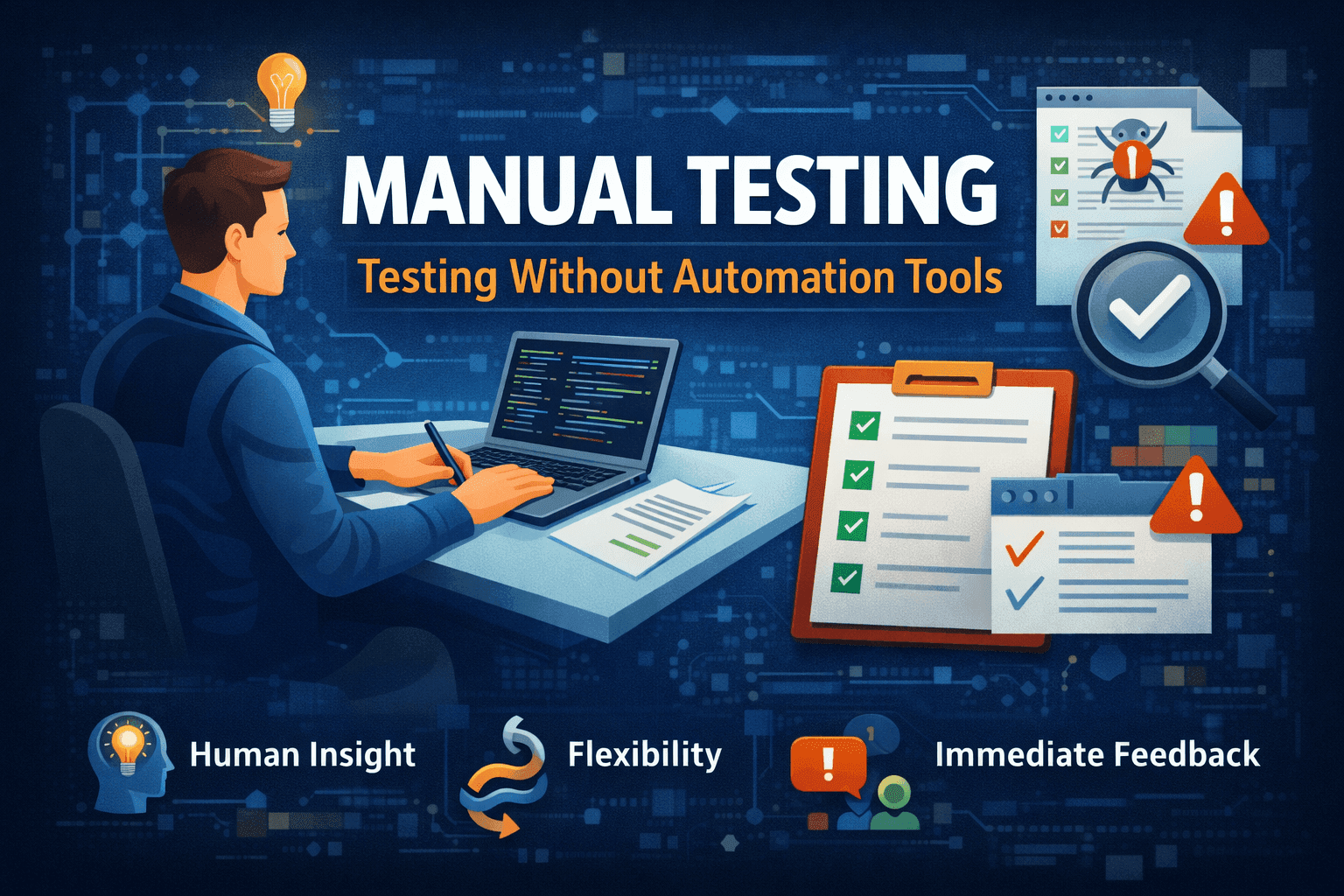

What Is Manual Testing?
Manual testing is a software testing process where test cases are executed manually by a tester without using any automation tools. It involves checking the functionality of an application by following predefined test cases and reporting bugs or issues. This method relies heavily on human observation and intuition, making it ideal for exploratory, usability, and ad-hoc testing.
What Is Automated Testing?
Automated testing uses software tools and scripts to execute test cases automatically. It is especially useful for repetitive tasks, regression testing, and performance testing. Automation helps increase test coverage, speed up the testing process, and reduce human error. Popular tools include Selenium, JUnit, TestNG, and Cypress.
Key Differences Between Manual and Automated Testing
Execution
- Manual Testing: Test cases are executed by a human tester step by step.
- Automated Testing: Test cases are executed automatically using scripts and tools.
Speed
- Manual Testing: Slower, especially for repetitive test cases.
- Automated Testing: Much faster once tests are set up.
Accuracy
- Manual Testing: Prone to human error.
- Automated Testing: High accuracy and consistency.
Cost
- Manual Testing: Lower initial cost, no tool setup required.
- Automated Testing: Higher initial cost, but more cost-effective in the long term.
Flexibility
- Manual Testing: Highly flexible, ideal for exploratory and ad-hoc testing.
- Automated Testing: Limited to predefined scripts and scenarios.
Maintenance
- Manual Testing: Minimal maintenance effort.
- Automated Testing: Requires ongoing script maintenance when the application changes.
Advantages of Manual Testing
- Human Insight: Testers can detect UI/UX issues that automation might miss.
- Flexibility: Ideal for exploratory and ad-hoc testing.
- Low Setup Cost: No need for expensive tools or frameworks.
- Immediate Feedback: Useful during early development stages.
Advantages of Automated Testing
- Speed and Efficiency: Executes thousands of test cases quickly.
- Reusability: Test scripts can be reused across multiple projects.
- Consistency: Eliminates human error and ensures repeatable results.
- Scalability: Suitable for large-scale applications and continuous integration.
When to Use Manual Testing
Manual testing is best suited for:
- Exploratory testing where creativity and intuition are needed.
- Usability testing to assess user experience.
- Short-term projects with limited scope.
- Testing scenarios that change frequently.
When to Use Automated Testing
Automation is ideal for:
- Regression testing across multiple builds.
- Load and performance testing.
- Projects with long lifecycles and frequent releases.
- Stable test cases that don’t change often.
Hybrid Approach: Combining Manual and Automated Testing
A hybrid approach leverages the strengths of both methods. For example:
- Use manual testing for UI/UX and exploratory testing.
- Automate regression, smoke, and performance tests. This strategy ensures comprehensive coverage and efficient resource utilization.
Common Misconceptions About Test Automation
• “Automation replaces manual testing.” Not true, manual testing is still essential for areas requiring human judgment.
• “Automation is always faster.” Initial setup and maintenance can be time-consuming.
• “All tests can be automated.” Some tests, like usability and exploratory, are better done manually.
How to Choose the Right Testing Method for Your Project
Consider the following factors:
- Project Scope: Small projects may benefit more from manual testing.
- Budget and Resources: Automation requires investment in tools and skills.
- Timeline: Tight deadlines may favor automation for faster execution.
- Test Case Stability: Stable cases are ideal for automation.
- Agile Environment: Manual vs automation in agile depends on sprint goals—manual for early-stage features, automation for regression.
Conclusion: Balancing Speed, Accuracy, and Context
Choosing between manual and automated testing isn’t a one-size-fits-all decision. Each method has its strengths and limitations. A balanced test automation strategy that combines both approaches can help teams achieve speed, accuracy, and contextual relevance. Understanding the manual testing vs automated testing difference and knowing which testing method to choose ensures better quality and efficiency in software development.
