
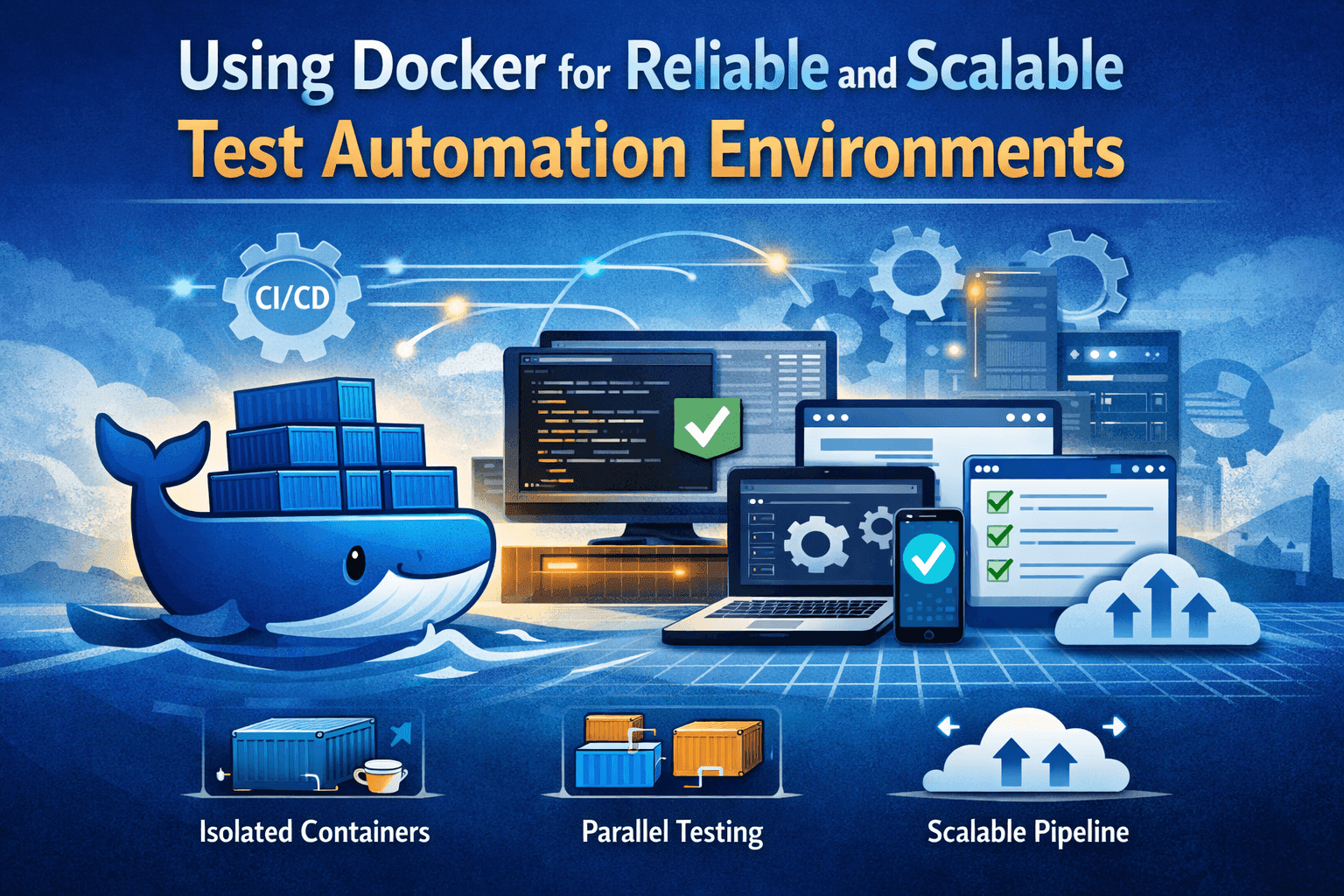

Using Docker for Reliable and Scalable Test Automation Environments
Docker has fundamentally changed how software environments are built, shared, and executed. In test automation, where consistency and repeatability are critical, Docker offers a powerful solution for eliminating environment-related issues while improving scalability across CI/CD pipelines.
This article explains how Docker can be used to create reliable, isolated, and reproducible test automation environments, and how it fits naturally into modern testing workflows.
What Is Docker and Why Use It for Testing?
Docker is a containerization platform that allows applications and their dependencies to be packaged together into lightweight, portable units called containers. Unlike traditional virtual machines, containers share the host operating system kernel, which makes them faster to start and more resource efficient.
For testing, Docker solves one of the most common problems in software delivery: inconsistent environments. By running tests inside containers, teams ensure that the same versions of tools, libraries, and configurations are used everywhere, from local development to CI pipelines. This consistency removes the “works on my machine” issue and increases confidence in test results.
Benefits of Docker in Test Automation
Using Docker in test automation provides several key advantages:
- Environment consistency
- Fast setup and teardown
- Parallel execution
- Improved scalability
These benefits make Docker especially valuable for teams running large or frequently executed test suites.
How Docker Fits into a Test Automation Pipeline
In a CI/CD pipeline, Docker is commonly used to isolate each testing stage. Different containers can be prepared for different test types, ensuring that each stage runs with the exact tools and dependencies it requires.
For example:
- Unit tests may run in a minimal container with only the test framework.
- Integration tests may include dependent services such as databases or message brokers.
- End to end tests may run in a full stack environment that mirrors production.
Because containers are disposable, pipelines remain clean, repeatable, and predictable.
Setting Up a Docker-Based Test Environment Step by Step
A typical Docker based test setup involves the following steps:
- Create a Dockerfile
- Build the Docker image
- Run containers for test execution
- Use volumes and networks when needed
This approach ensures that test environments are version controlled, reproducible, and easy to share across teams.
Common Use Cases: Unit, Integration, and End to End Testing
Docker supports all major test types:
- Unit testing
- Integration testing
- End to end testing
This flexibility makes Docker suitable for both simple and complex testing strategies.
Best Practices for Dockerized Test Environments
To get the most value from Docker in test automation, consider the following best practices:
- Keep images as small and focused as possible.
- Use environment variables instead of hard coded values.
- Clean up containers and images after test execution.
- Add health checks to ensure services are ready before tests start.
- Monitor resource usage to avoid overloading CI runners.
Following these practices helps maintain stable and efficient test pipelines.
Challenges and Limitations of Using Docker for Testing
While Docker offers many advantages, it is not without challenges:
- Containers still consume system resources and can impact performance if misused.
- Multi container setups can become complex without proper orchestration.
- Security considerations must be addressed when using shared images or registries.
Understanding these limitations allows teams to design more robust and maintainable test environments.
Docker Compose for Multi Container Test Scenarios
Docker Compose simplifies the management of complex test environments involving multiple services. By defining services, networks, and volumes in a single YAML file, teams can easily spin up complete test stacks with a single command.
This is especially useful for integration and end to end testing scenarios that require databases, backend services, and application servers to work together in a controlled environment.
Conclusion
Docker has become a cornerstone of modern test automation. By providing consistent, isolated, and scalable environments, it enables teams to run reliable automated tests across all stages of the CI/CD pipeline. When used with best practices and proper orchestration, Docker significantly improves test stability, execution speed, and overall software quality.
